
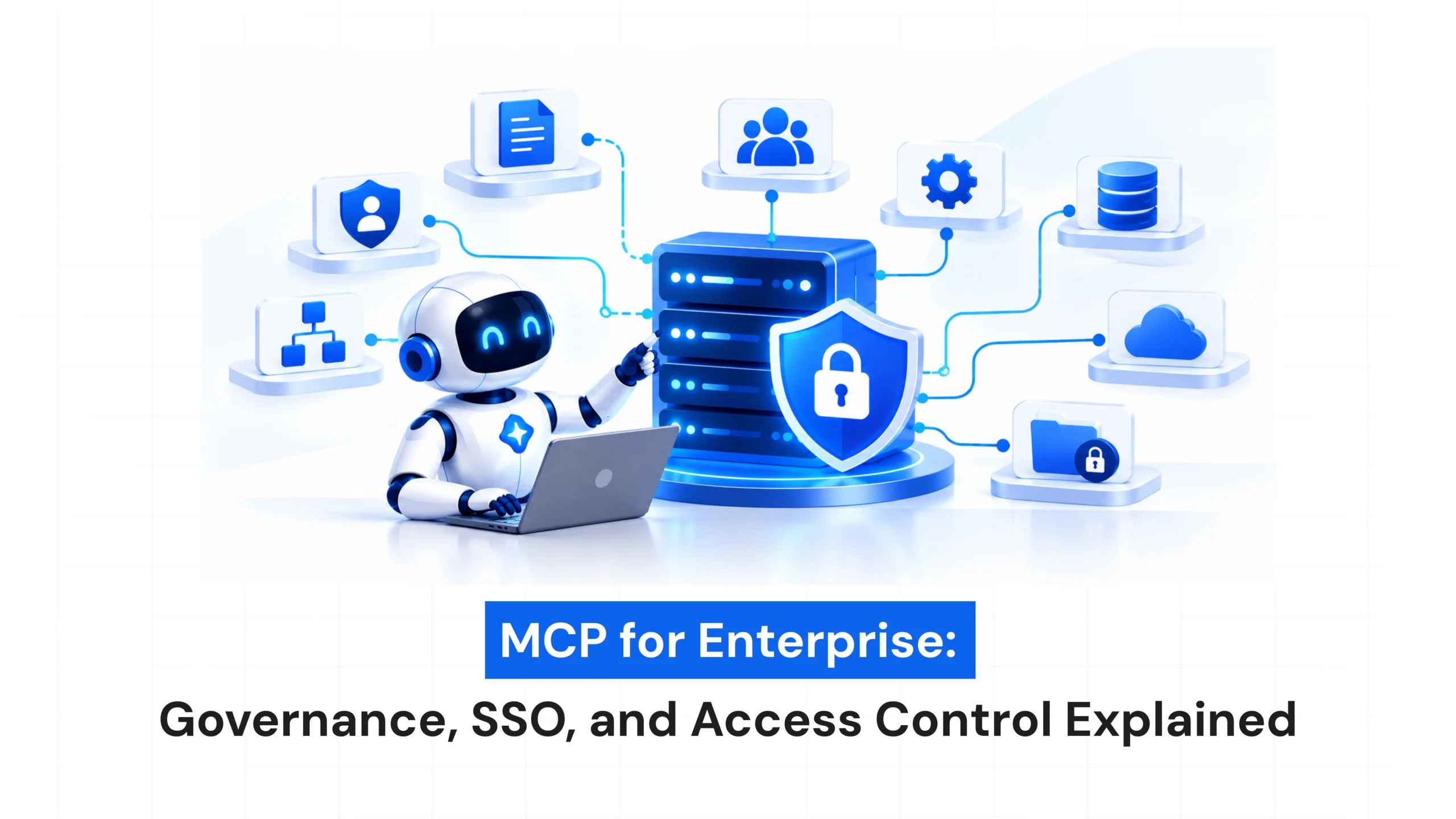
AI agents are becoming an important part of modern business operations. They can connect with internal applications, retrieve company information, interact with databases, and automate everyday tasks.
MCP for Enterprise: Governance, SSO, and Access Control Explained
- October 15, 2026
- Pavithra R
- 10:00 am
Views: 43
Introduction
AI agents are becoming an important part of modern business operations. They can connect with internal applications, retrieve company information, interact with databases, and automate everyday tasks.
The Model Context Protocol (MCP) makes these connections easier by providing a standardized way for AI applications to communicate with external tools and data sources.
However, connecting AI to enterprise systems also raises important questions. Who can access these tools? What information can AI agents retrieve? And how can businesses maintain control over these connections?
This is where MCP governance, Single Sign-On (SSO), and access control become essential.
What Is MCP in an Enterprise Environment?
Model Context Protocol (MCP) is an open protocol that allows AI applications to connect with external tools, services, and data sources.
In enterprise environments, MCP can connect AI assistants with:
- CRM platforms
- Internal knowledge bases
- Databases and APIs
- Project management tools
- File storage systems
- Development environments
For example, an employee could ask an AI assistant to summarize a project update using information from an internal system.
MCP provides the connection, but organizations must also control who can use it and what information they can access.
Enterprise MCP is not just about integration. It’s about identity, permissions, and accountability.
Why Does Enterprise MCP Governance Matter?
Without proper governance, teams may connect AI tools to business systems without following consistent security policies.
One team might configure read-only access, while another might allow AI tools to modify records or access sensitive information.
Effective MCP governance helps organizations define:
- Which MCP servers and tools are approved
- Who can access connected systems
- How sensitive data should be handled
- How activity should be monitored
- When access should be reviewed or revoked
The goal is to support AI adoption while maintaining control over business data and systems.
What Is MCP Governance?
MCP governance refers to the policies and processes used to manage MCP servers, connected tools, AI applications, and their access to enterprise resources.
A practical governance framework should answer three questions.
What can be connected?
Organizations should review and approve MCP servers before allowing them to access sensitive systems.
Who can use it?
Access should depend on employee roles, business requirements, and security policies.
How is activity monitored?
Logging, auditing, and regular reviews help organizations understand how MCP integrations are being used.
These measures make it easier to scale AI adoption without creating unmanaged connections.
What Is SSO and Why Does It Matter for MCP?
Single Sign-On (SSO) allows employees to access multiple applications through a centralized identity provider instead of maintaining separate login credentials for every service.
In an enterprise MCP environment, SSO can help organizations manage employee identity across supported AI applications and connected services.
When properly integrated, SSO can help businesses:
- Centralize employee authentication
- Enforce multi-factor authentication (MFA)
- Simplify employee onboarding and offboarding
- Reduce separate login requirements
- Improve identity management and auditing
However, SSO does not automatically secure every MCP connection. Its effectiveness depends on how the AI application, MCP server, and connected services implement authentication and authorization.
Understanding Access Control in MCP
Authentication confirms who you are. Access control determines what you’re allowed to do.
An authenticated employee should not automatically have access to every tool or data source connected to an AI agent.
For example, a sales employee may need customer information, while a finance employee may require access to invoices and payment records.
A secure MCP implementation should consider three areas.
User-Level Access
Employees should only access information and actions permitted by their roles.
Tool-Level Access
Each MCP tool should have clearly defined permissions. A tool that reads information may require different permissions from one that modifies records.
Data-Level Access
Sensitive information should remain protected by the organization’s existing data access policies.
AI agents should never become a shortcut around enterprise security controls.
How Governance, SSO, and Access Control Work Together
These three components serve different purposes but work best together.
Governance establishes the rules for approving and managing MCP integrations.
SSO and identity management help establish who is accessing supported applications and services.
Access control determines which tools, actions, and data those identities can use.
For example, when an employee asks an AI assistant to retrieve a confidential report, the system should verify the employee’s identity and check their permissions before providing the information.
This coordinated approach helps enterprises make AI integrations more secure and accountable.
Best Practices for Enterprise MCP
- Maintain an Approved MCP Server Inventory
Track MCP servers, connected tools, their owners, and the permissions they require.
- Apply Least-Privilege Access
Give users, AI agents, and tools only the permissions necessary for their tasks.
- Integrate Enterprise Identity Systems
Where supported, use existing identity providers, MFA, and account lifecycle controls.
- Protect Sensitive Data
Control access to confidential information and manage credentials securely.
- Monitor and Audit Activity
Track authentication events, tool usage, access decisions, and sensitive actions.
- Review Permissions Regularly
Remove unnecessary permissions and revoke access to integrations that are no longer required.
- Require Approval for High-Risk Actions
Consider human approval for actions such as deleting records, changing financial information, or sharing confidential data.
The Future of Enterprise MCP
As organizations connect more AI agents to internal systems, managing identity and permissions will become increasingly important.
Businesses will need to understand not only which employees can access applications, but also which AI agents and tools can act on their behalf.
Successful enterprise MCP adoption will depend on clear governance, reliable identity management, appropriate authorization, and continuous monitoring.
Organizations that establish these foundations early will be better prepared to scale AI integrations responsibly.
Final Thoughts
MCP creates new opportunities for businesses to connect AI agents with the tools and information they already use.
But enterprise adoption requires a clear approach to governance, identity, and access control.
Governance establishes the rules. SSO helps manage identity. Access control defines permissions.
When these components work together, organizations can expand AI adoption while maintaining control over their data and operations.
The goal isn’t simply to connect more systems to AI. It’s to ensure every connection has a clear purpose, appropriate permissions, and the right level of oversight.
Latest Blogs
MCP for Enterprise: Governance, SSO, and Access Control Explained
October 15, 2026
Agentic AI vs Generative AI: What’s the Difference?
October 1, 2026
Schedule your free consultation and get expert guidance
FAQs
What is MCP governance?
MCP governance involves managing MCP servers, tools, permissions, security policies, and monitoring across an organization.
Does MCP support SSO?
MCP defines authentication mechanisms for supported connections, but enterprise SSO depends on how the identity provider, MCP client, server, and connected applications are integrated.
How does access control work in MCP?
Access control determines which users, AI agents, and tools can access specific resources or perform particular actions.
Why is least-privilege access important for MCP?
It limits each user, agent, and tool to the permissions required for its intended purpose, reducing the potential impact of security incidents.
How can enterprises secure MCP integrations?
Enterprises should use approved MCP servers, strong authentication, appropriate authorization, secure credential management, activity monitoring, and regular permission reviews.