
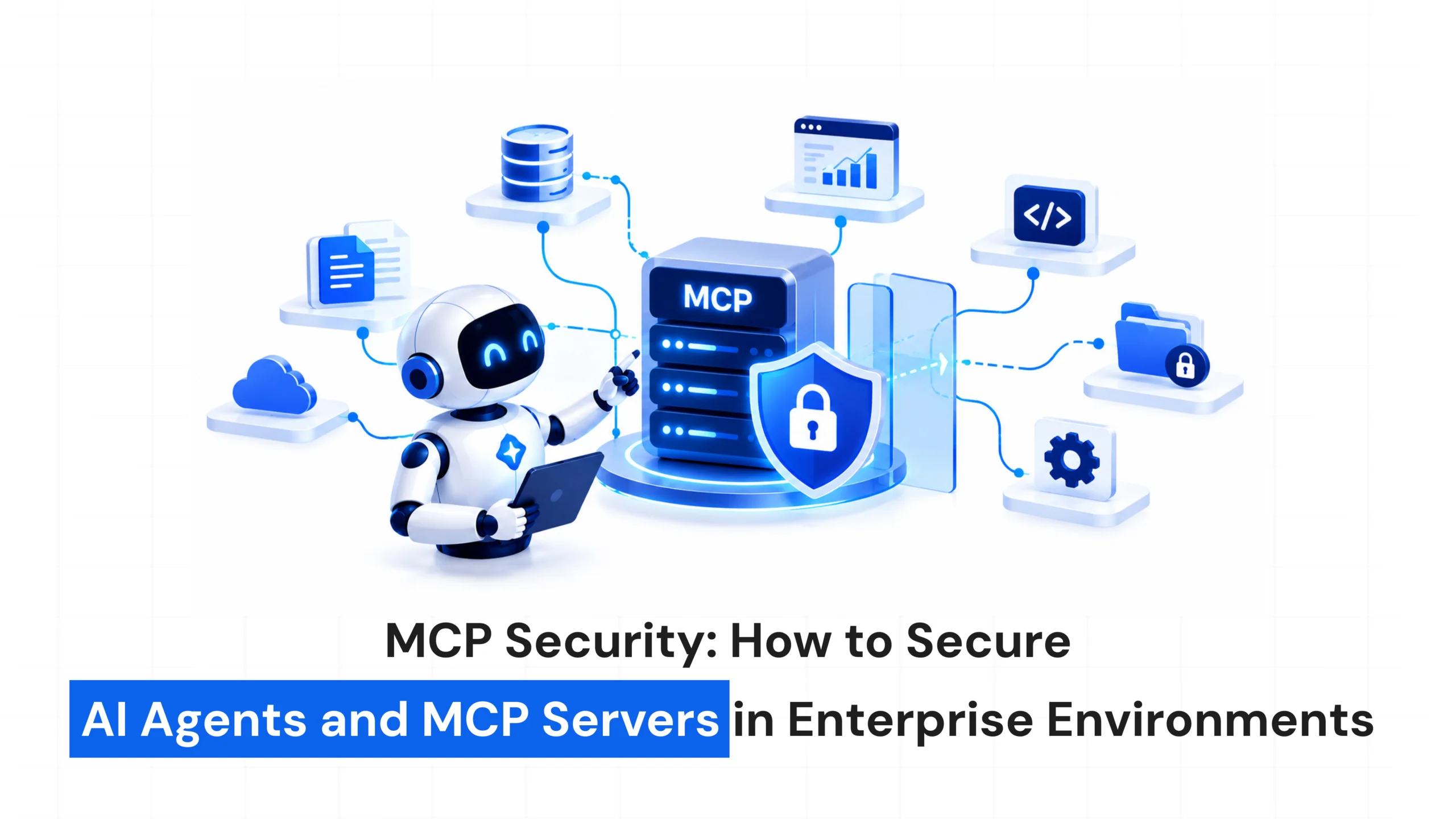
AI agents are becoming more capable. Instead of simply answering questions, they can now interact with databases, APIs, internal files, business applications, and other tools.
This is where Model Context Protocol (MCP) becomes important.
MCP Security: How to Secure AI Agents and MCP Servers in Enterprise Environments
- October 6, 2026
- Pavithra R
- 10:00 am
Post Views: 3
Introduction
AI agents are becoming more capable. Instead of simply answering questions, they can now interact with databases, APIs, internal files, business applications, and other tools.
This is where Model Context Protocol (MCP) becomes important.
MCP provides a standardized way for AI applications to connect with external tools and data sources. While this makes AI systems more useful, it also introduces new security challenges.
When an AI agent can access real business systems and perform actions, security can no longer be treated as an afterthought.
So, how can enterprises use MCP securely while still benefiting from AI automation?
What Is MCP?
Model Context Protocol (MCP) is a protocol that allows AI applications to connect with external tools, services, and data sources.
Through MCP, an AI assistant may be able to access:
- Databases
- Internal documents
- APIs
- Business applications
- File systems
- Development tools
- Enterprise services
Instead of creating a completely different integration for every AI application, MCP provides a common way for AI systems to interact with these resources.
This creates powerful opportunities for enterprise AI, but it also means agents may gain access to sensitive business information and important systems.
That makes MCP security essential.
Why Is MCP Security Important?
A traditional AI chatbot may only generate an answer.
An AI agent connected through MCP can potentially retrieve information, use tools, update records, and perform actions.
For example, an employee could ask:
“Find the latest customer report and update the CRM.”
The agent may need to find the correct information, access customer data, connect to the CRM, and update the appropriate record.
Each of these steps introduces a potential security risk.
The question is no longer simply:
“Can this user access the system?”
Businesses also need to ask:
“Should this AI agent be allowed to perform this action on behalf of the user?”
Common MCP Security Risks
Excessive Permissions
Giving an AI agent more access than it needs can create unnecessary risk.
An agent that only needs to read customer information should not automatically have permission to modify or delete customer records.
The principle is simple:
Give AI agents only the permissions they need to complete their tasks.
Prompt Injection
AI agents can process information from websites, documents, emails, and other external sources.
Malicious instructions hidden inside this content could potentially influence the agent’s behavior.
Organizations should therefore treat external content as untrusted and introduce safeguards before allowing AI-generated decisions to trigger sensitive actions.
Untrusted MCP Tools
MCP servers and their tools become part of the application’s security environment.
A poorly designed, compromised, or malicious tool could expose sensitive information or perform unexpected actions.
Enterprises should carefully evaluate MCP servers before connecting them to important systems.
Sensitive Data Exposure
AI agents may have access to customer information, financial records, source code, internal documents, employee data, and other sensitive information.
Businesses need clear controls over what information agents can access and how that information can be used.
How to Secure MCP Servers and AI Agents
- Use Least-Privilege Access
Don’t give an AI agent unlimited access.
Define exactly which systems, tools, and information it needs.
For example, a reporting agent may only require read-only access to specific data, while a customer support agent may need access to customer profiles and support tickets.
Less access means less potential damage if something goes wrong.
- Use Strong Authentication
Every important connection should have proper authentication.
This includes connections between AI applications, MCP clients, MCP servers, APIs, and internal services.
Being inside an organization’s network should not automatically make a connection trustworthy.
- Implement Proper Authorization
Authentication determines who is accessing the system.
Authorization determines what they are allowed to do.
An AI agent should not receive access to everything simply because it is connected to an authenticated user.
Permissions should reflect the user’s role, the agent’s purpose, and the requested action.
- Protect Sensitive Information
API keys, passwords, tokens, credentials, and other secrets should never be unnecessarily exposed to AI models.
Organizations should use secure secret-management systems and provide agents only with the credentials required for their tasks.
- Validate AI Actions
AI-generated actions should not automatically be trusted.
Important operations should be validated before execution.
A simple security model is:
AI decides → Security validates → Tool executes
This adds an important layer of protection between AI decision-making and real business systems.
- Add Human Approval for High-Risk Actions
Not every AI action needs human approval.
However, actions involving financial transactions, deleting data, modifying production systems, sharing confidential information, or changing important business records may require human confirmation.
This creates a balance between AI automation and human control.
Monitor AI Agent Activity
Security doesn’t end after an AI agent is deployed.
Businesses need visibility into what their agents are doing.
Organizations should be able to understand:
- Which agent accessed a tool
- Which user initiated the request
- What information was accessed
- What actions were performed
- Whether unusual activity occurred
Logging and monitoring can help security teams identify suspicious behavior and investigate incidents more effectively.
Secure the MCP Supply Chain
Not every MCP server should automatically be trusted.
Before connecting an MCP server to enterprise systems, businesses should understand who developed it, what permissions it requires, what data it can access, and how it is maintained.
MCP servers should be treated like other important software components.
Convenience should never come before security.
A Practical Approach to MCP Security
Businesses can follow a straightforward security approach:
Identify — Know which agents, MCP servers, tools, and data sources are connected.
Limit — Apply least-privilege access.
Authenticate — Verify users, agents, and services.
Validate — Check AI-generated actions before execution.
Monitor — Track tool usage and agent activity.
Approve — Require human confirmation for high-risk actions.
Review — Regularly review permissions, integrations, and security controls.
Security should be an ongoing process rather than a one-time configuration.
The Future of MCP Security
As AI agents become more capable, they will interact with more business systems and handle more important workflows.
This makes MCP security increasingly important.
The goal isn’t to prevent AI agents from using enterprise tools.
It’s to make sure they access the right tools, with the right permissions, under the right controls.
Enterprise AI needs to be both powerful and trustworthy.
Final Thoughts
MCP is making it easier for AI agents to interact with the tools, applications, and data businesses already use.
But greater connectivity also brings greater responsibility.
Organizations need strong authentication, least-privilege access, secure data handling, action validation, monitoring, and human oversight for sensitive operations.
As AI moves from simply generating answers to actually performing tasks, MCP security will become an essential part of enterprise AI adoption.
The goal is not just to build AI agents that can take action.
It is to build AI agents that can take the right action, with the right access, in a secure and controlled environment.
Latest Blogs
AI Observability: How to Monitor and Manage AI Systems in Production
September 16, 2026
How AI Agents Are Transforming the Future of SaaS
September 10, 2026
Schedule your free consultation and get expert guidance
FAQs on Agentic AI
What is MCP security?
MCP security refers to protecting AI agents, MCP servers, connected tools, data, and integrations from unauthorized access, manipulation, data exposure, and unintended actions.
Why is MCP security important for enterprises?
MCP can give AI agents access to business systems and sensitive information. Without proper controls, this access can introduce security and privacy risks.
How can businesses secure MCP servers?
Businesses should use strong authentication, least-privilege access, authorization controls, secure secrets management, monitoring, action validation, and regular security reviews.
Should AI agents have full access to enterprise systems?
No. AI agents should only receive the permissions required for their specific tasks. Sensitive or high-risk actions may also require human approval.
Is MCP automatically secure?
No. MCP provides a standardized way for AI systems to connect with tools and data, but organizations still need to implement appropriate security controls around those connections.